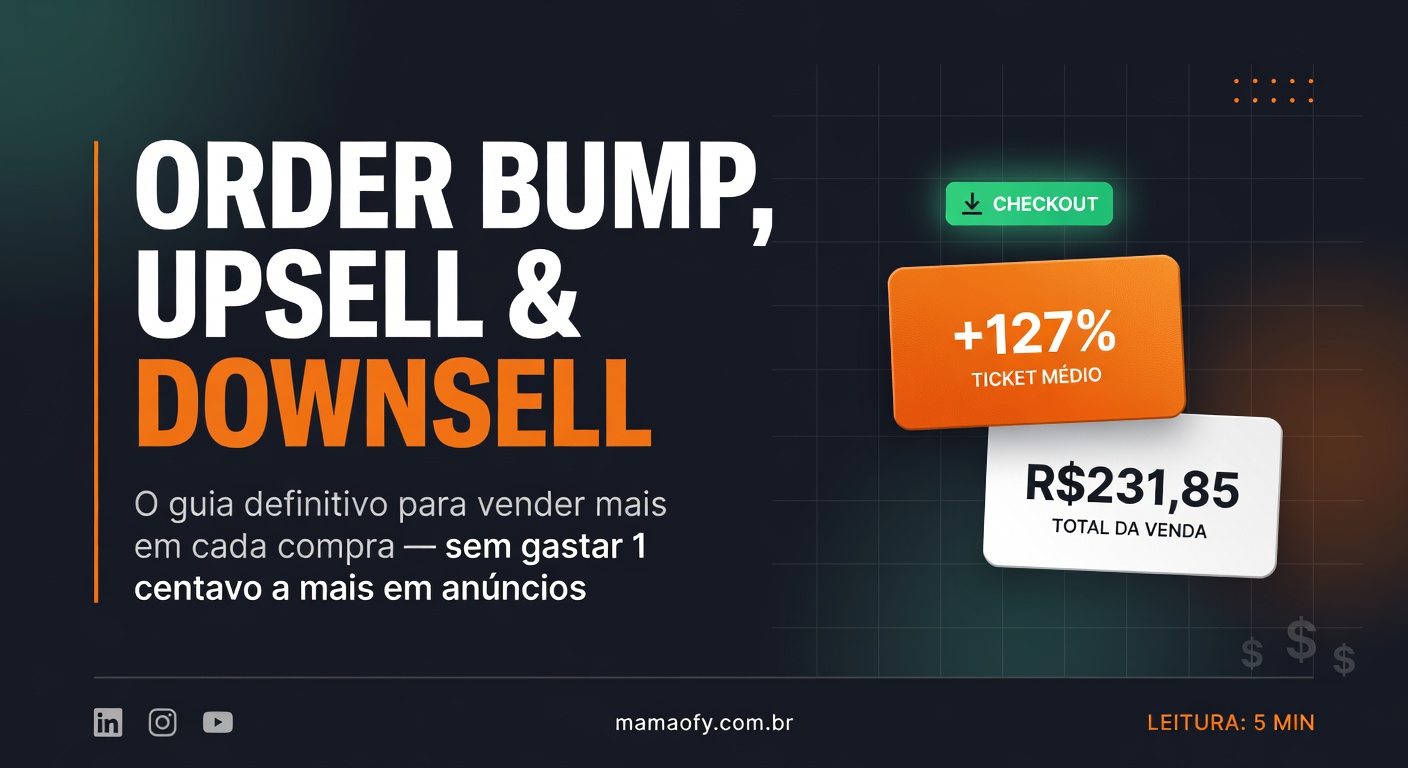
Order Bump, Upsell and Downsell — The Ultimate Guide to Selling More with Every Purchase
Three complementary sales strategies that appear during or right after the payment process. The goal is simple: **increase the value of each sale without needing to bring in a new customer**. Imagine you walk into a store to buy a cell phone. At checkout, the salesperson offers a case (order bump). You pay, and on the way out, they show you an incredible Bluetooth headset with an exclusive discount (upsell). You decline, and they offer a simpler headset for half the price (downsell).
What is an Order Bump and how does it work at checkout?
An order bump is a complementary offer displayed on the checkout page, before the customer clicks “Pay”. It works like the chocolates at the supermarket checkout line: the buyer has already decided to purchase and receives a small, relevant suggestion.
Practical example: the student buys the “React Course” for R$197. At checkout, “Add the Node.js Course for only R$47” appears. They check the box and the amount is automatically added, totaling R$244 in a single transaction.
Why it converts well: zero friction, low value (usually 20-30% of the main product), complementarity, and the buying impulse already activated. Complementary bumps convert better than unrelated offers.
How does Upsell increase the average ticket after payment?
Upsell is the higher-value offer that appears immediately after payment approval, at the moment of greatest customer euphoria. The exclusive page features a special discount and a real 10- to 15-minute timer.
Practical example: the student buys “TikTok Masters Pro” for R$101.90. After approval, “Get the Complete Bundle with 20% OFF: from R$150 to R$120” appears. If accepted, the charge is automatic on the same card.
Typical conversion rates range from 10% to 25% when well configured. For every 10 main sales, 1 to 2.5 customers accept the upsell, generating R$120 to R$300 extra per sale with no new ads.
Why is Downsell the second chance after declining the upsell?
Downsell offers a more accessible alternative when the upsell is declined. It leverages price anchoring: after seeing R$120, R$9.95 feels much more attractive.
Practical example: after declining the R$120 upsell, “Premium Access at half the price: from R$19.90 to R$9.95/month” appears. The offer is smaller, with reduced commitment and recurring revenue potential.
Typical downsell conversion varies from 8% to 15%. It maintains respect for the customer by not insisting on the same offer.
How do the three strategies connect in the complete purchase flow?
The flow starts at checkout with the order bump. After payment approval, the upsell appears. If accepted, another upsell may follow or it goes straight to the dashboard. If declined, the downsell appears. At the end, the confirmation page shows all accepted items and generates automatic receipts.
Real result with the example numbers: main purchase R$101.90 + upsell R$120.00 + downsell R$9.95/month = total R$231.85, representing +127% on the average ticket.
How to set up Order Bumps and Checkout Offers in MamãoFy?
Order bumps are configured in Finance → Order Bumps in five steps: trigger, item offered, content, discount and settings. Checkout offers (upsell/downsell) are in Finance → Checkout Offers, with six steps including appearance.
Tips that improve results: timer between 10-15 minutes, discount between 10-40%, real urgency (offer disappears after the deadline), upsell sequence first and downsell as fallback, offer complementary to the original product and inclusion of “7-day unconditional guarantee”.
What is the math that proves the impact of these strategies?
Without offers: 100 sales/month, average ticket R$100, monthly revenue R$10,000, annual R$120,000. With bump + upsell: same 100 sales, average ticket R$165 (+65%), monthly revenue R$16,500, annual R$198,000 — difference of +R$78,000 per year without increasing CAC.
The acquisition cost remains the same. You simply extract more value from each customer who has already decided to buy.
What are the 5 most common mistakes and how to avoid them?
1. Offering something unrelated to the purchase — the offer must complement the main product.
2. Bump price higher than 20-30% of the main product — example: R$200 course, R$40-60 bump.
3. Lack of urgency — timer and scarcity are essential; without a deadline the customer postpones indefinitely.
4. Too many offers in sequence — limit of 1 order bump + 1 upsell + 1 downsell to avoid annoying the customer.
5. Insignificant discount — “5% off” doesn’t convince; offer at least 15-20% to create real perception of advantage.
Frequently asked questions
What is the difference between order bump, upsell and downsell?
Order bump appears before payment at checkout. Upsell appears right after payment with a higher-value offer. Downsell is the more accessible alternative offered when the upsell is declined.
What conversion rates are expected?
Order bump: 15-30%. Upsell: 10-25%. Downsell: 8-15%. The numbers vary according to the relevance of the offer and the configuration of the timer and discount.
Is it possible to use these strategies on any platform?
Yes, but platforms like MamãoFy offer native configuration in just a few clicks via the Finance menu, with automatic timers and same-card charging.
Additional sources: HubSpot — Upselling Guide and Shopify — Upsell and Cross-sell Strategies.